
Tachiyomi Download
Tachiyomi Download in 2026: Is It Still Available? (Safe Download & Alternatives Guide)
If you’re searching for a Tachiyomi download right now, here’s the short answer: the original Tachiyomi app is no longer maintained or distributed, and it hasn’t been since 2024. What you actually want is Mihon, its official open-source successor, built by the same core developers and still updated every few weeks. This guide explains exactly what happened, whether it’s safe to install anything calling itself “Tachiyomi” today, and how to download, install, and troubleshoot the real successor step by step.
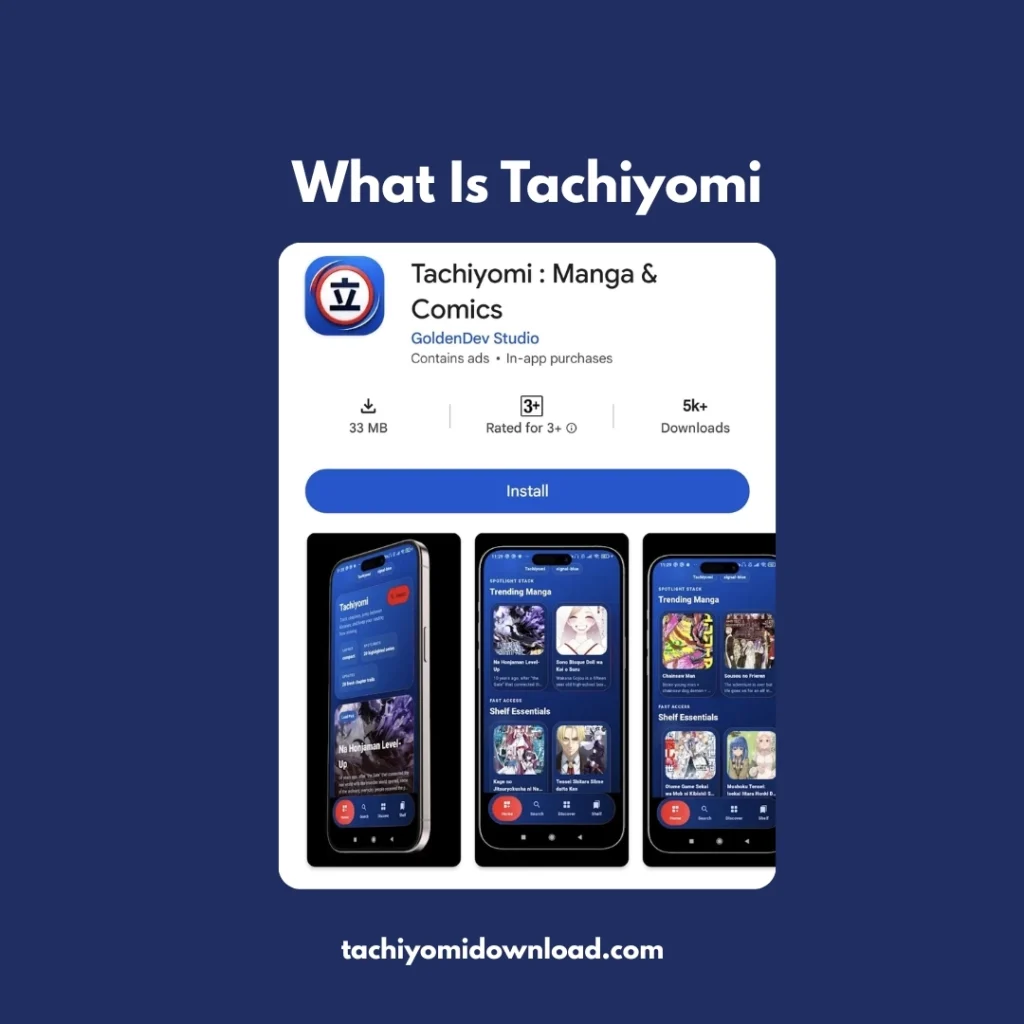
What Happened to Tachiyomi? (Why the Download Disappeared)
Tachiyomi was a free, open-source manga reader for Android that let users pull chapters from many different online sources through community-built extensions. In 2024, the project’s GitHub organization was taken down following legal pressure tied to copyright concerns raised by content rightsholders, including Kakao Entertainment. Because Tachiyomi was released under the Apache 2.0 open-source license, the code itself couldn’t be erased — developers from the original team immediately forked it into a new project called Mihon, which has continued active development through 2025 and into 2026.
That’s the core reason a working “Tachiyomi download” is hard to find: the official app, GitHub repo, and Play Store-adjacent distribution channels no longer exist. Anything claiming to be a brand-new official Tachiyomi release in 2026 is either an outdated leftover file or a rebrand of a fork.
Is It Safe to Download a “Tachiyomi APK” Today?
The Tachiyomi brand itself is not being actively maintained, which created an opening for low-quality and sometimes malicious “Tachiyomi APK” sites to pop up in search results after 2024. The app’s shutdown was a legal and distribution issue, not a security one — but the wave of copycat download sites that followed absolutely is a security risk.
- Avoid random “tachiyomi-apk-download.com” style sites with aggressive pop-ups or forced redirects.
- Only install APKs from a project’s official GitHub Releases page or a reputable mirror like APKMirror.
- Check that the app is still receiving updates — an abandoned APK is more likely to break or carry unpatched issues.
- Verify the developer/publisher name matches the known open-source team before installing.
Following those checks, installing an actively maintained fork like Mihon carries the same general risk profile as any other open-source Android app — which is to say, low, provided you get it from the source below.
Mihon: The Official Tachiyomi Successor
Mihon launched in early 2024 and is widely recognized as Tachiyomi’s direct continuation rather than an unrelated app wearing its name. It kept the same core interface, library management, tracker integrations (MyAnimeList, AniList, Kitsu, MangaUpdates, and more), and extension-based source system that made the original popular, while continuing to receive bug fixes and new features through regular releases.
Other forks exist — TachiyomiSY, Aniyomi, and Kotatsu among them — but Mihon has become the reference point the rest of the ecosystem now branches from, which is why it’s the safest default recommendation for anyone simply typing “Tachiyomi download” in 2026.
How to Download and Install Mihon on Android
Mihon isn’t distributed on the Google Play Store, so installing it means sideloading the APK — a normal process for open-source Android apps, not a sign anything is wrong.
- 1. On your Android device, open Settings → Apps → Special access → Install unknown apps, and allow it for your browser.
- 2. Open your browser and go to the official Mihon GitHub Releases page (github.com/mihonapp/mihon/releases) or a verified mirror such as APKMirror.
- 3. Download the latest stable release APK that matches your device’s processor architecture (arm64-v8a covers most modern phones).
- 4. Open the downloaded file from your notifications or Downloads folder and tap Install.
- 5. Launch Mihon once installation finishes — no account or sign-in is required to start.
If Android blocks the install with a warning, that’s the standard “unknown sources” protection, not a malware detection — double-check step 1 was applied to the app you used to download the file.
Setting Up Sources (Extensions) After Install
Mihon ships with no built-in content sources by design, to keep the core app itself free of any copyright exposure. After installing, go to Browse → Extensions, add an extension repository, and enable the sources you want to read from. Each source is maintained independently by its own contributors, so availability and reliability vary — if one source stops working, try an alternate repository rather than assuming the app itself is broken.
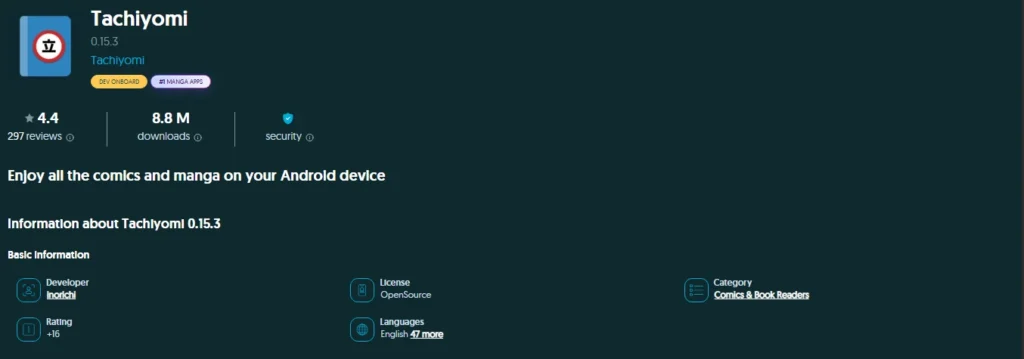
Tachiyomi Latest Version 2026 (0.15.3)
Tachiyomi 0.15.3 is one of the final versions associated with the original Tachiyomi manga reader. Since the original project was discontinued, version 0.15.3 is not a newly released 2026 version. Users looking for Tachiyomi today should understand that development has moved toward community forks and successor apps. Always verify the source before downloading any APK or unofficial release.
Tachiyomi Alternatives Compared
If Mihon doesn't fit what you're looking for, several other actively maintained readers cover different needs:
| App | Best Known For | Best For |
|---|---|---|
| Mihon | Direct Tachiyomi successor; largest extension ecosystem | Users who want the closest match to original Tachiyomi |
| TachiyomiSY | Extended library management, deeper metadata, now branches from Mihon | Power users managing very large libraries |
| Aniyomi | Adds anime streaming on top of the Mihon manga engine | Readers who also want anime in one app |
| Kotatsu | Lighter, simpler interface, independent codebase | Users who want a minimal, source-light reader |
Fixing Common Download and Install Problems
“App not installed” error
Usually caused by a mismatched or corrupted APK. Re-download from the official source, confirm the architecture (arm64-v8a vs armeabi-v7a) matches your device, and uninstall any old Tachiyomi/Mihon build with the same package name first.
Extensions or sources won’t load
Individual sources go down or get blocked independently of the app itself. Try refreshing the extensions list, switching to a different repository, or checking the project’s Discord/GitHub issues page for known outages before assuming a broader problem.
Library or backups didn’t transfer from Tachiyomi
Mihon can import a legacy Tachiyomi backup file (Settings → Data and storage → Restore) as long as you still have the .tachibk file saved from before the shutdown; there’s no way to pull it from the old app directly since it’s no longer distributed.
Is Using Tachiyomi or Mihon Legal?
The apps themselves are legal, open-source software — they don’t host or distribute any copyrighted content on their own. Legality in practice depends entirely on which third-party sources you connect through the extension system, since some scrape officially licensed content without permission. When available, using officially licensed sources or apps supports the creators; treat unofficial sources with the same caution you’d apply to any unlicensed content elsewhere online.
Frequently Asked Questions
Is Tachiyomi still available to download?
No. The original app and its GitHub repository were taken down in 2024. Its open-source code lives on through community successors, primarily Mihon.
Is Mihon the same as Tachiyomi?
Mihon is built by developers from the original Tachiyomi team, using the same open-source codebase, and functions as its direct continuation — though it’s technically a separate, independently branded project.
Is Tachiyomi/Mihon available on iPhone?
No official iOS version exists for either app; both are Android-only.
Why do I need to sideload instead of using the Play Store?
Neither app is listed on Google Play because of the extension system’s connection to unofficial content sources, which conflicts with Play Store policy — this is standard for this category of open-source reader, not unique to Tachiyomi.
Will my old Tachiyomi library work in Mihon?
Yes, if you have a saved Tachiyomi backup file, Mihon can restore it directly through its Data and storage settings.
What's the safest place to download the APK?
The project’s official GitHub Releases page, or a well-known verified mirror like APKMirror — avoid unrelated third-party “Tachiyomi APK” sites.
Is TachiyomiSY different from Mihon?
TachiyomiSY started as its own extended fork before the 2024 shutdown and now branches from Mihon, adding deeper library and metadata features on top of it.
Final Thoughts
There’s no working official Tachiyomi download in 2026 the app was discontinued in 2024 but its open-source successor, Mihon, delivers the same core experience and is still actively maintained. Download it only from the official GitHub Releases page or a verified mirror, set up your sources carefully, and use the troubleshooting steps above if anything doesn’t work on the first try.