
Mihon stops at Android. Plenty of readers do not: they want the same kind of app on a Windows laptop, a Mac, a Linux box or an iPhone. That gap is why Mangayomi keeps turning up in searches for Tachiyomi alternatives.
Mangayomi is a free, open-source reader built with Flutter, and it runs on far more platforms than Mihon does. This guide covers what it is, where its real downloads live, how to get it on Android, PC and iOS, how its extensions work, and why you should skip any “mod APK”.
A disclosure first. TachiyomiDownload.com is an independent information site. We are not affiliated with Mangayomi, Mihon or Tachiyomi. Details below come from Mangayomi’s GitHub repository and release notes, last checked on October 14, 2026.
What is Mangayomi?
| Mangayomi in one sentence: Mangayomi is a free, open-source app for reading manga, novels and comics and for watching anime, available on Android, iOS, macOS, Linux and Windows. It is licensed under Apache 2.0 and describes itself as inspired by Tachiyomi and Aniyomi. |
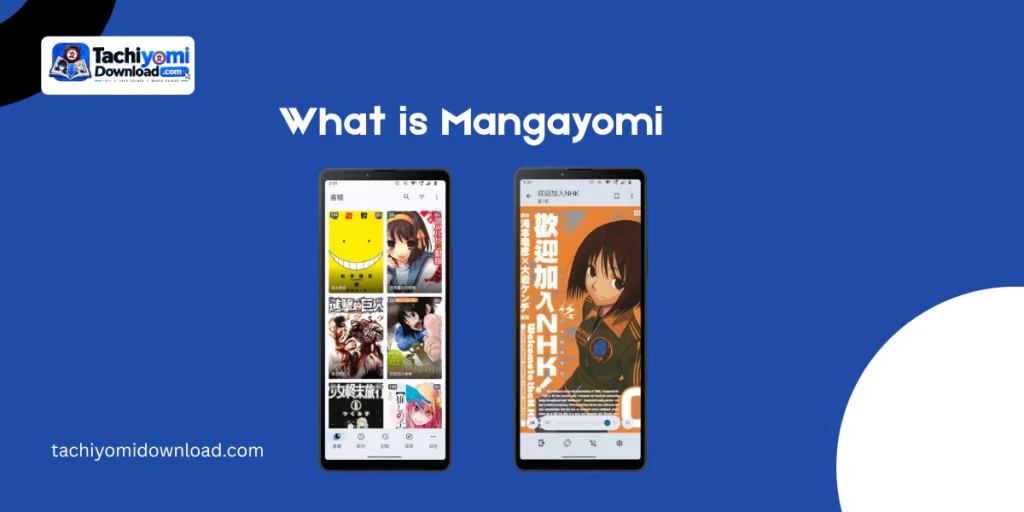
Like Mihon, Mangayomi is a client. It does not host content. Its own documentation says the developers have no affiliation with the content providers reachable through it, and you add sources yourself.
The features listed in the repository include:
- A configurable reader with several viewers and reading directions, plus local reading of files on your device.
- Tracking with MyAnimeList, AniList and Kitsu. Release notes also mention Trakt.tv syncing.
- Categories for organising your library, light and dark themes, and backups saved locally or to a cloud service.
- A built-in anime player alongside the reader, and support for novels.
- Newer additions from release notes: a biometric app lock, an upcoming-manga calendar, and bidirectional chapter preloading in the reader (all in v0.7.2).
Is Mangayomi on GitHub the official source?
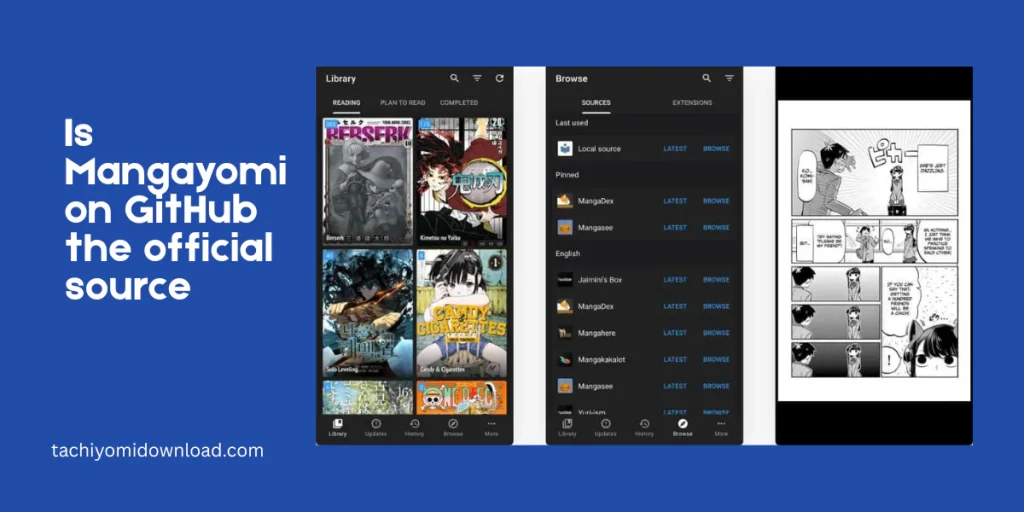
Yes. The project’s repository is github.com/kodjodevf/mangayomi, and its README tells you to get the app from the releases page there. If you are searching for Mangayomi on GitHub, that is the address to look for.
Be careful with lookalikes. GitHub hosts many forks and unrelated apps with similar names, and some with similar descriptions. Check that the owner is kodjodevf before you download anything. Our own Mihon page makes the same point about Mihon’s official sources.
The two official links:
- Mangayomi on GitHub: the app, its README, and its releases.
- Official extensions repository: the extension catalogues the app can add.
How do I download Mangayomi?
Open the releases page on the official repository and pick the file for your platform. Mangayomi ships frequently, and each release lists many files (one release we checked had 13), so choosing the right one matters more than with most apps.
| Platform | How to get it | Notes |
| Android | Download the APK from the official releases page. | Allow installs from your browser or file manager when Android asks. Match the file to your device. |
| Windows | Download the Windows file from the same releases page. | See the PC section below. |
| macOS / Linux | Same releases page. Release notes mention an AppImage and an Arch Linux package script. | Check the file list for your system. |
| iOS | Sideload the signed IPA using AltStore, SideStore or Feather. | Official README lists source links for each. Releases after v0.5.2 are signed. |
Mangayomi download for Android
This is the simplest route. Download the APK from the official releases page, open it, and approve the install when prompted. If the installer refuses, the usual causes are a damaged download or a file that does not match your device. Re-download from the official page rather than trying a second site. Our Tachiyomi Android guide covers the general Android install flow.
One note for anyone following older guides. Release v0.6.85 says Android no longer needs the APKBridge server. If a tutorial tells you to set that up, it is out of date.
Is there a Mangayomi for PC and Windows?
Yes. Windows is one of the five platforms the README lists, so you do not need an Android emulator. Open the releases page and download the Windows file. Linux and macOS builds come from the same place.
This is the biggest practical difference from Mihon, which the official site describes as Android-only. If you have been searching for Tachiyomi for PC, Mangayomi is the most direct answer we have found, and our Tachiyomi alternatives page tracks the others.
Does Mangayomi work on iOS?
Yes, through sideloading. Apple does not list Mangayomi in the App Store, so you install the signed IPA using a tool such as AltStore, SideStore or Feather. The README provides a source link for each, plus a direct URL source.
Two cautions. Follow your sideloading tool’s own instructions, because the rules (such as how often an app must be re-signed) depend on the tool and your Apple account. And only releases after v0.5.2 are signed, so older IPAs will not work with these tools.
People who land here from a “Tachiyomi alternative iOS” search should know the trade-off. Mihon cannot do this at all, so Mangayomi’s iOS support is real value, but sideloading is more work than a normal install.
Should I download a Mangayomi mod APK?
No. We found no official mod build. The project’s README and releases page list only the standard app.
A mod APK is a copy of the app that someone else has changed and re-uploaded. You cannot see what they changed. It could add tracking, ads or malware, it will not update through the project’s normal releases, and you would be typing your tracker passwords into software nobody vouches for. Mangayomi is already free, so a mod has nothing legitimate to unlock.
If you already installed one: uninstall it, install the official APK instead, change the passwords for any tracker account you logged into (MyAnimeList, AniList, Kitsu), and run a security scan with your phone’s built-in protection.
How do Mangayomi extensions work?
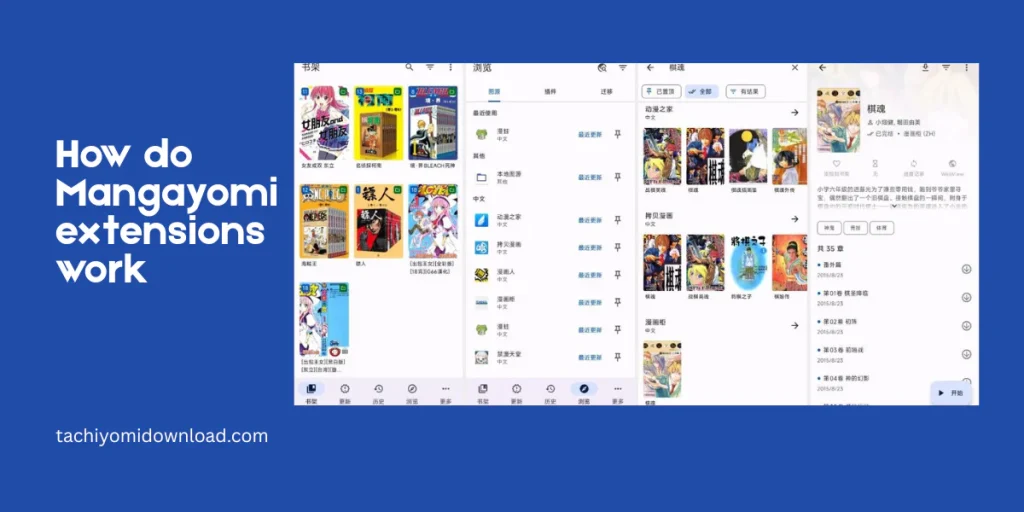
Mangayomi installs with no sources. Content comes from extensions, which are published in repositories that you add yourself. The official extensions repository describes itself as a set of extension catalogues for the app, and it keeps separate manga, anime and novel repositories.
- Format. Sources are written in Dart or JavaScript, according to the contribution guides in the official repository. That differs from Mihon, whose extensions are Android apps.
- Adding a repository. The extensions README says to add repositories under More, Settings, Browse. Check the current README for the exact repo addresses, since they can change.
- Compatibility. Release notes mention Mihon extension support through a bridge, and an experimental option for Aidoku extensions. Treat both as features to test, not guarantees.
- Third-party repositories. Community repositories exist beyond the official one. Each is code from a stranger running in your app, so the same trust rules apply as for Mihon extension repo choices.
The official repository’s disclaimer states that its developer has no affiliation with the content providers. TachiyomiDownload.com does not run or endorse any extension repository, and we do not list individual sources. Which content you can lawfully read depends on where you live; see our Disclaimer.
If you want the full picture across apps, our Tachiyomi extensions hub explains the general model.
Mangayomi vs Mihon: which should you pick?
Pick by platform first, content second.
| Mangayomi | Mihon | |
| Platforms | Android, iOS, macOS, Linux, Windows. | Android only. |
| Content types | Manga, webtoons, comics, novels, anime. | Manga, webtoons, comics. |
| Extensions | Its own Dart and JavaScript extensions, plus bridge options. | Mihon extensions, installed separately. |
| Origin | Separate Flutter project, inspired by Tachiyomi and Aniyomi. | Fork of Tachiyomi, continuing its codebase. |
| License | Apache 2.0. | Apache 2.0. |
| Backups | Can restore Mihon and Kotatsu backups (added in v0.6.0). | Reads .tachibk / .proto.gz backups. |
The rule of thumb: on Android and only reading manga, Mihon vs Tachiyomi is the comparison to read, and Mihon is the natural home for a Tachiyomi library. If you need PC, iOS, novels or anime, Mangayomi is built for that.
Moving over from Mihon? Mangayomi’s v0.6.0 release notes say it can restore Mihon backups. Back up first, and expect that extensions will not transfer. Our Tachiyomi backup and restore page covers the habits that apply either way.
Mangayomi not working? Quick fixes
| Symptom | Likely cause | What to try |
| No sources after install | Normal. The app ships without them. | Add a repository, then install extensions from it. |
| A source stopped loading | The site changed or the extension is outdated. | Update the extension, try another source, or wait for the maintainer. |
| Android install fails | Wrong file for the device, or a damaged download. | Re-download from the official releases page. |
| iOS app will not open | The sideload signature expired, or the IPA is too old. | Re-sign with your tool and use a release after v0.5.2. |
| Something broke after updating | A bug in that release. | Check the repository’s issues page, and keep a backup before upgrading. |
The Mangayomi project also runs a Discord server, linked from its README, if you need live help.
Is Mangayomi safe and legal?
The code is public under Apache 2.0, so anyone can inspect it. Safety depends on where you download the app (only the official repository) and which extensions you add. Legality is separate: the app is ordinary software, while what you read through it is governed by copyright law where you live. This is not legal advice.
Mangayomi FAQ
What is Mangayomi?
A free, open-source app for reading manga and novels and watching anime, available on Android, iOS, macOS, Linux and Windows.
Where is the official Mangayomi download?
On the releases page of the kodjodevf/mangayomi repository on GitHub. Avoid other sites and repositories with similar names.
Is there a Mangayomi for PC or Windows?
Yes. Windows is one of the supported platforms, with builds on the same releases page. No emulator is needed.
Can I get Mangayomi on iOS?
Yes, by sideloading the signed IPA with AltStore, SideStore or Feather. It is not in the App Store.
Is a Mangayomi mod APK safe?
No. There is no official mod, and a modified APK from an unknown uploader can carry malware or tracking. Use the official release.
Does Mangayomi come with extensions?
No. You add a repository and install extensions yourself. The official repository publishes manga, anime and novel catalogues.
Is Mangayomi the same as Mihon?
No. They are separate projects. Mihon is a Tachiyomi fork for Android only, while Mangayomi is a cross-platform Flutter app.
Can Mangayomi restore a Mihon backup?
Its v0.6.0 release notes say it supports Mihon and Kotatsu backups. Extensions still need to be reinstalled.
Where to go next
Mangayomi is the answer when Android-only is the problem. If Android is fine, start with our Mihon guide, and use the Tachiyomi alternatives roundup to compare everything side by side.
Which platform are you trying to get this onto: Windows, iOS, or something else? Use our Contact page and we will point you to the right guide.